Cloud Live Recording Features for TikTok & Douyin
Recording workflow
Add live room → Waiting for live → Recording → Replay ready
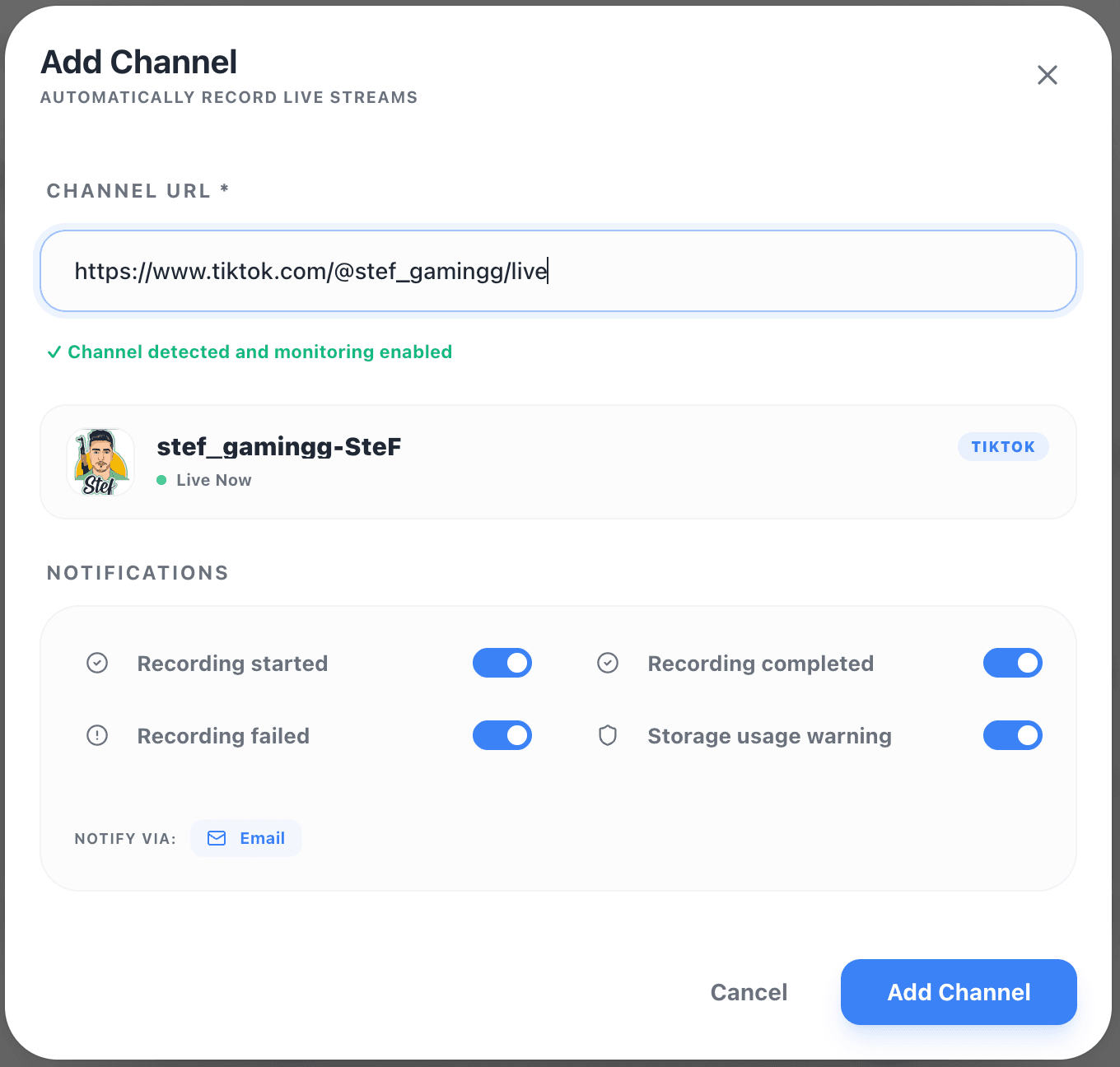
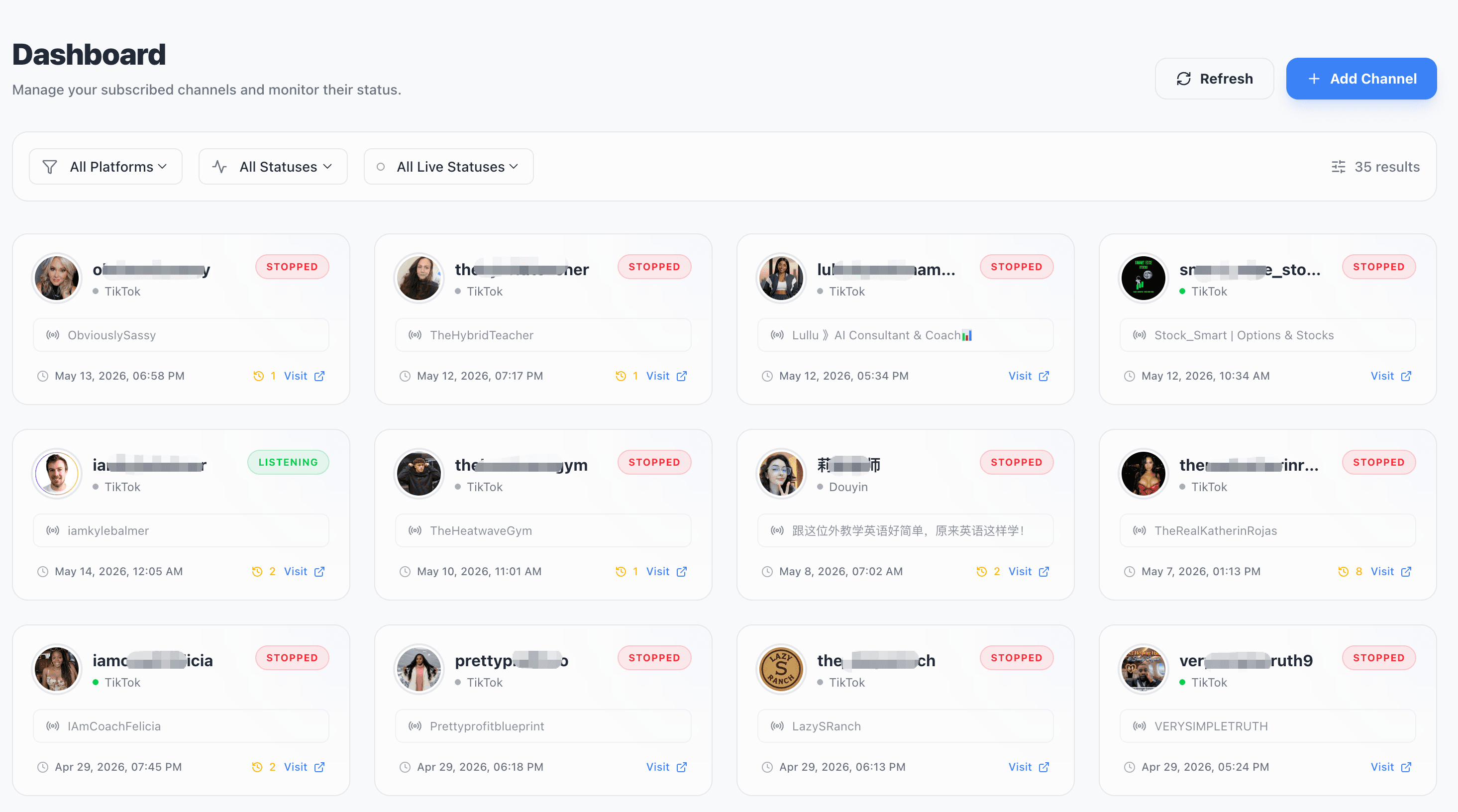
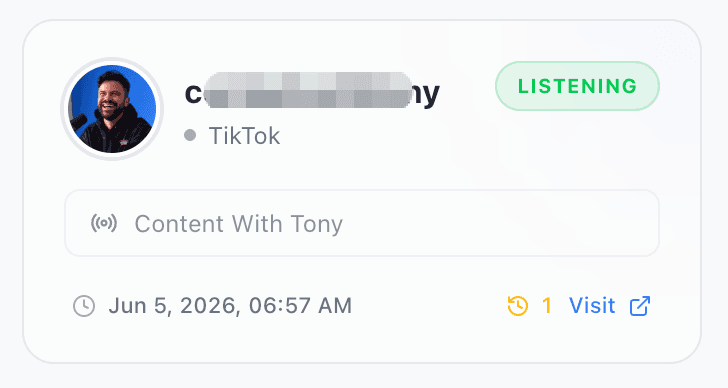
Automatic Live Detection
Monitor live rooms, detect when a streamer goes live, and trigger recording automatically for TikTok and Douyin sessions you own, manage, or are authorized to record.
What this includes:
- Monitor TikTok and Douyin live rooms
- Detect when a stream goes live
- Start and stop recording automatically
- Works for scheduled, surprise, and long live sessions
Supported Platforms
AutoRecordLive is currently focused on TikTok and Douyin cloud recording, with platform-specific recorder pages and setup guides for each workflow.
TikTok Live Recorder
Automatically record authorized TikTok Live streams in the cloud.
Learn more about TikTok recordingDouyin Live Recorder
Monitor and record authorized Douyin live rooms automatically.
Learn more about Douyin recordingMore Platforms
YouTube, Twitch, Instagram, and other live platforms are being evaluated based on user demand.
Core Feature Checklist
A quick view of what AutoRecordLive handles after you add an authorized live room.
Automatic Live Detection
Monitor authorized TikTok and Douyin live rooms and detect when a stream goes live.
Cloud Recording
No browser tab, local storage, or always-online device required while recording runs on cloud servers.
Offline Recording
Record important live sessions even when you are offline, asleep, or away from your computer.
Replay Library
Browse recording history by streamer, with playback, timestamps, duration, status, and organized archives.
Playback and Download
Replay completed recordings and download files when your plan and content rights allow it.
AI Summaries
AI summaries are being added for supported recordings to help users review long sessions faster.
Multi-Streamer Monitoring
Track multiple approved creators, campaigns, events, or research-permitted sessions in one place.
Plan-Based Limits
Free and paid plans define retention, recording quota, download quota, and concurrent monitoring capacity.
Never Miss an Authorized Live Session
Record important live sessions even when you are offline, asleep, or away from your computer. AutoRecordLive keeps the monitoring workflow running in the cloud for live rooms you have the right to record.
Why this matters:
- Creators can archive their own content
- Teams can monitor approved creators, campaigns, events, and market trends
- Viewers can review authorized recordings at their convenience
- Researchers can preserve research-permitted live sessions
Recording Library
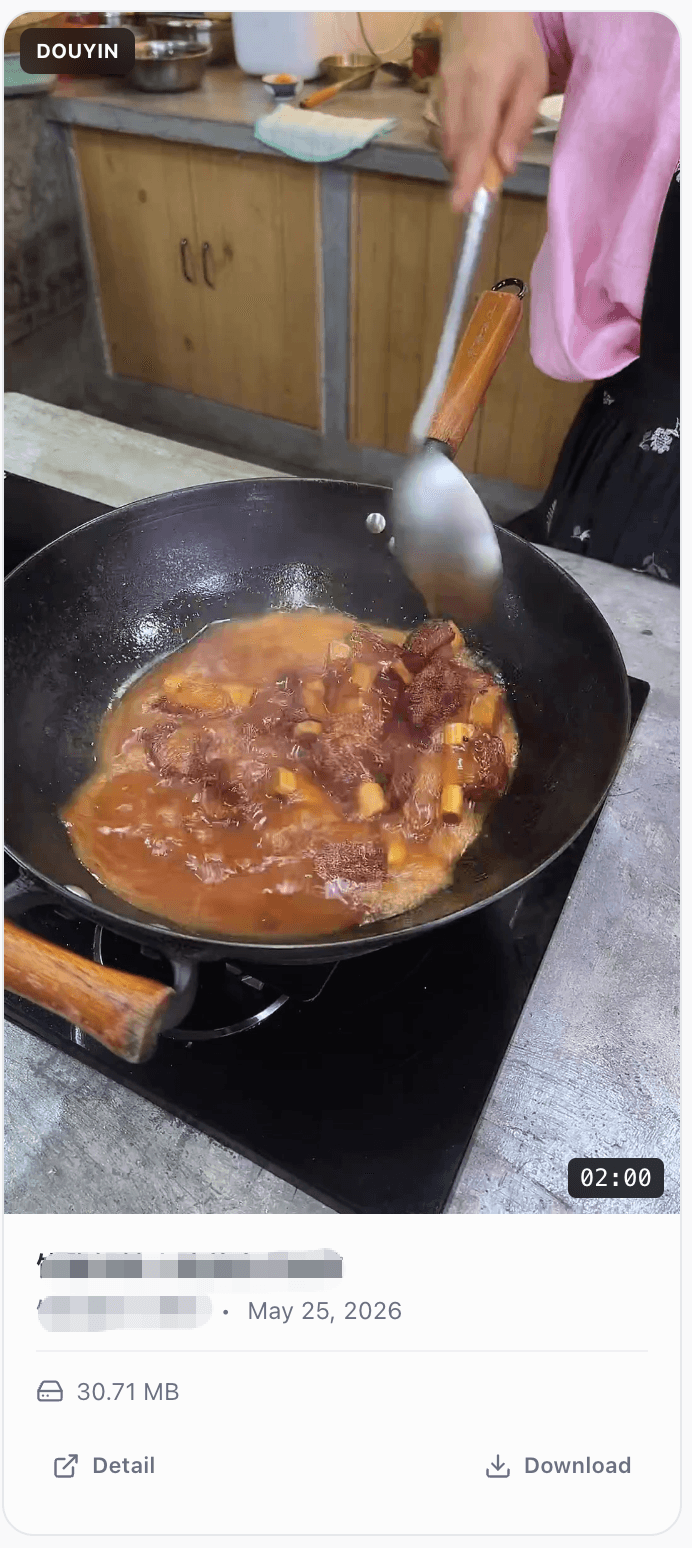
Every completed livestream recording is saved to a structured library. Browse recording history, view sessions by streamer, check timestamps and status, then replay or download eligible recordings.
Chronological recording history
Streamer-based organization
Timestamps, durations, and recording status
Playback and eligible download access
Your recordings stay structured as your library grows.
AI Summaries for Supported Recordings
Long live sessions can be hard to review. AutoRecordLive keeps recordings organized, and AI summaries are being added for supported recordings to help users review approved live content faster.
Generate summaries
Use recordings for AI content summaries after the session is available.
Extract key moments
Identify important sections without watching the entire stream first.
Review faster
Turn multi-hour live sessions into a more manageable review workflow.
Useful for teams
Creators, teams, researchers, and agencies can review approved recordings more efficiently.
Built for Different Recording Workflows
AutoRecordLive is designed for creators, teams, and power users who need reliable cloud recording, clear ownership boundaries, and repeatable review workflows.
For Teams
Approved workflows
For Creators
Archive automatically
Use Cases
Creators
Automatically archive your own live streams for editing, republishing, review, or AI summaries.
Teams and Agencies
Archive owned, client-approved, or campaign-approved live sessions without manual capture.
Fans and Viewers
Review authorized live recordings later when the original broadcast schedule is hard to catch.
Researchers
Preserve research-permitted live sessions for analysis, documentation, and content review.
Guides for TikTok and Douyin Recording
Use the guides to understand how to add a live room, record TikTok Live automatically, record Douyin Live, or find the correct Douyin live room URL.
Free Plan and Paid Plan Limits
Recording retention, download quota, concurrent monitoring, and long-session workflows depend on your plan. Compare plans before scaling from one live room to team workflows.
Compare pricing and plan limitsFrequently Asked Questions
Q.How does automatic live stream recording work?
AutoRecordLive monitors authorized livestream URLs and starts recording automatically once the stream goes live.
Q.Do I need to keep my computer online?
No. Recording runs on AutoRecordLive cloud servers, so your phone, browser, or computer does not need to stay online.
Q.Which platforms are supported?
AutoRecordLive is currently focused on TikTok and Douyin. More platforms are on the roadmap.
Q.Can I watch recorded live streams later?
Yes. Completed recordings are saved in your recording library for playback and review.
Q.Can AutoRecordLive record long live streams?
Yes. AutoRecordLive is designed for long live sessions, depending on your plan limits, retention, and recording quota.
Q.Can I download recorded live streams?
Yes. Completed recordings can be replayed and downloaded from your recording library when your plan and content rights allow it.
Q.Does AutoRecordLive support AI summaries?
Yes. Recordings can be used for AI summaries, key moment extraction, and content review workflows.
Q.What can I do on the Free Trial plan?
The Free Trial plan is designed for trying authorized cloud recording. Retention, download quota, recording quota, and concurrent monitoring are defined by the current plan limits.
Q.What counts as authorized recording?
Authorized recording means recording live streams you own, manage, or have permission to capture, such as your own live sessions, client-approved streams, or internal event recordings.