How to Record TikTok Live Automatically
Manual TikTok Live recording only works when you are online and ready before the stream starts.
AutoRecordLive helps you record TikTok Live sessions in the cloud. Add a live room once, and the system will monitor it, start recording when it goes live, and save the recording in your library.
Built for creators, teams, researchers, and agencies that need reliable cloud archives of live sessions.
Why Record TikTok Live Automatically?
TikTok Live streams are temporary, so creators, agencies, and teams often need a dependable archive for important sessions.
- Archive live streams for later review
- Review a TikTok Live later with your team
- Keep training, selling, music, gaming, or educational sessions you have rights to record
- Avoid keeping your phone or computer online
Method 1: Screen Record TikTok Live Manually
You can use your phone's built-in screen recorder or desktop recording software to record TikTok Live manually.
However, manual screen recording has several problems:
- You must be online when the stream starts
- Your device must stay awake
- Notifications may appear in the recording
- Long streams consume local storage
- Recording may fail if the app crashes
Method 2: Use a Cloud TikTok Live Recorder
A cloud TikTok Live recorder monitors a live room for you. When the stream goes live, the recording starts automatically on the server.
With AutoRecordLive, you can:
- Add a TikTok live room
- Let the system monitor the channel
- Record automatically when the live starts
- Save the recording in your cloud library
- Download or export recordings from your dashboard when allowed
How to Record TikTok Live Automatically with AutoRecordLive
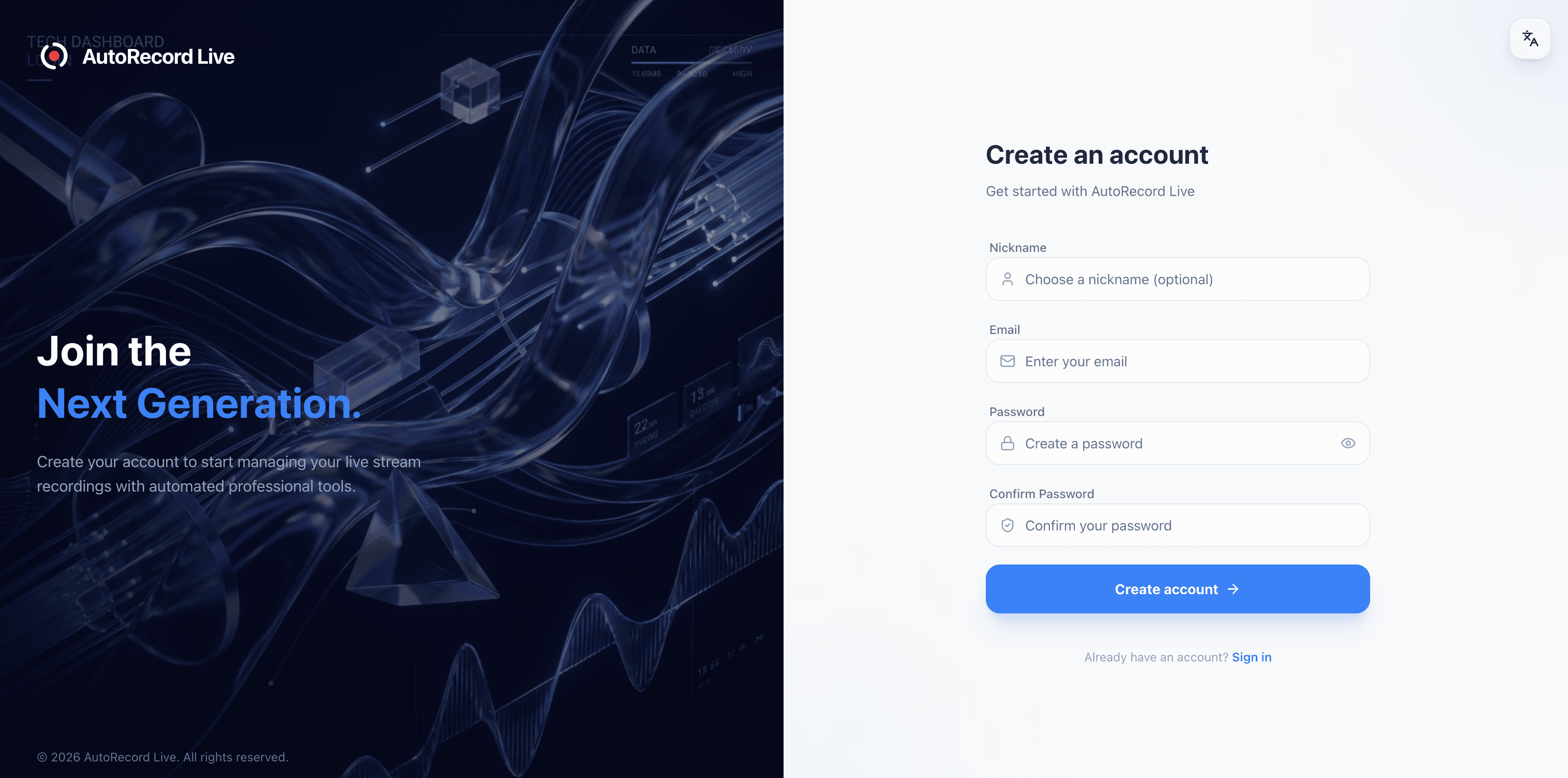
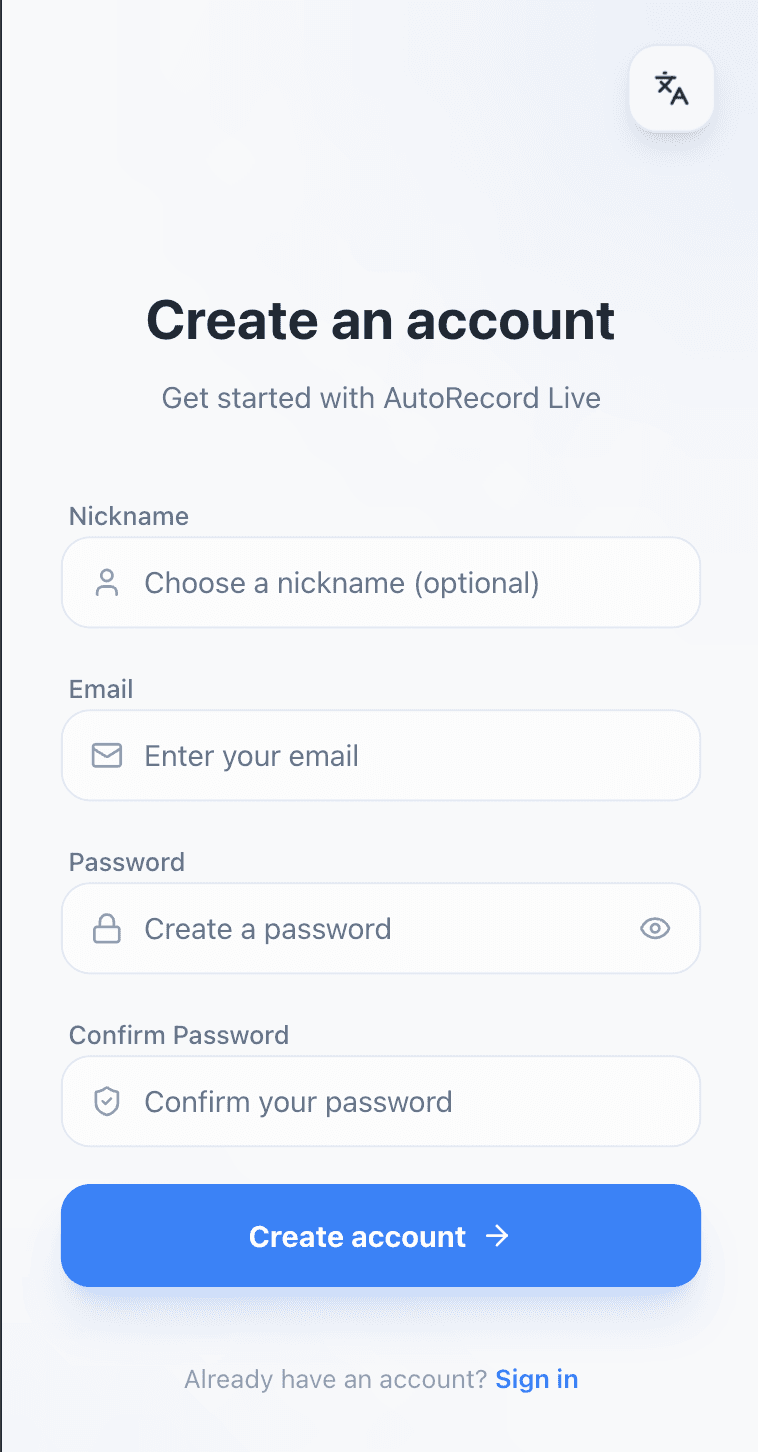
Step 1: Create an AutoRecordLive account
Register in the dashboard so you can save channels, organize recordings, and manage everything in one place.
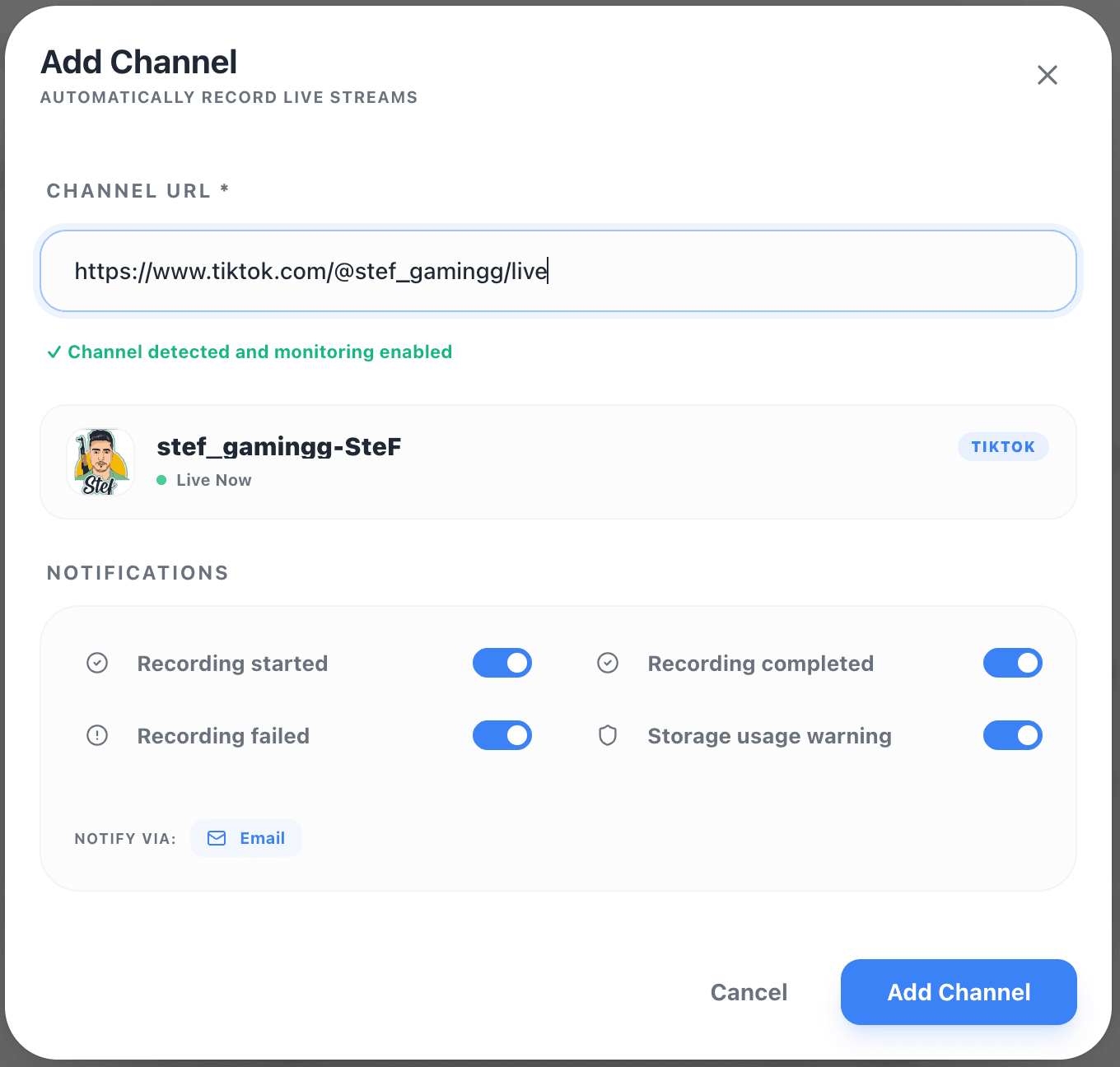
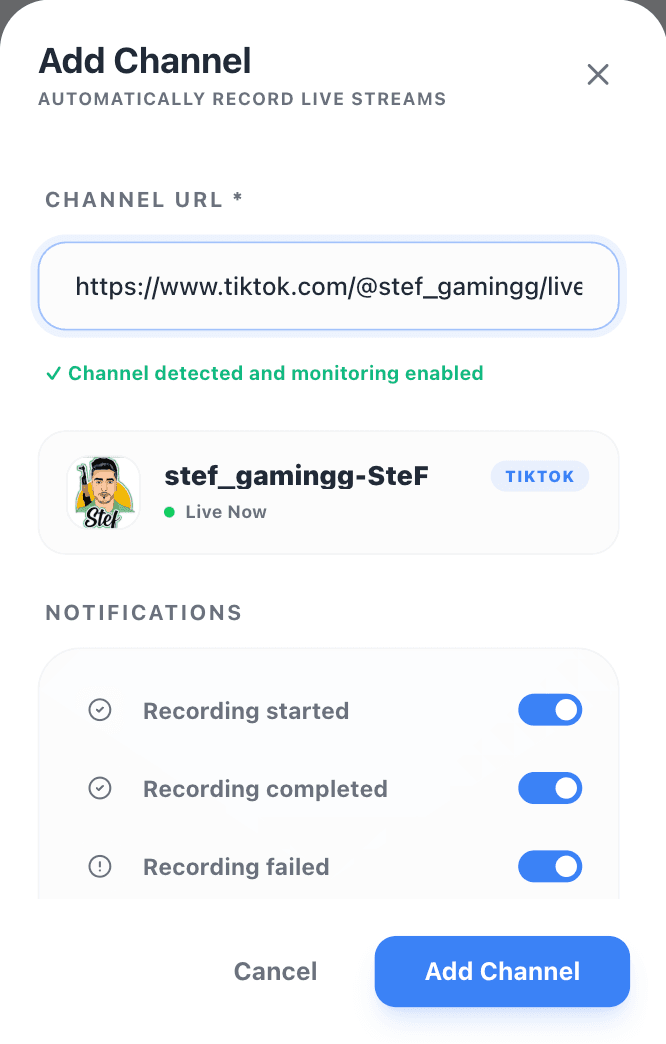
Step 2: Add a TikTok live room URL
Paste the TikTok live room link you want to monitor. AutoRecordLive keeps that channel in your monitoring list.
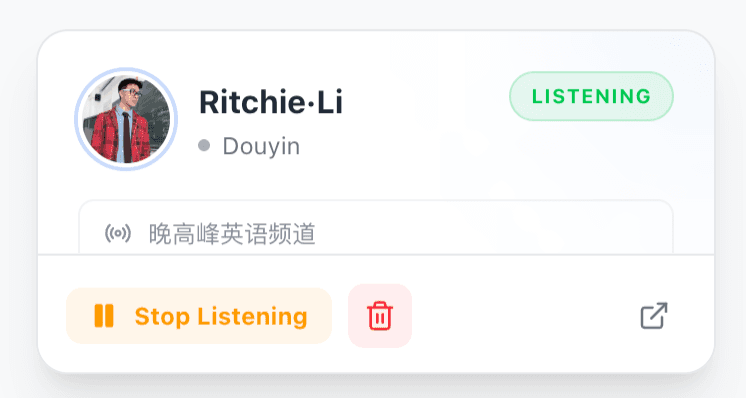
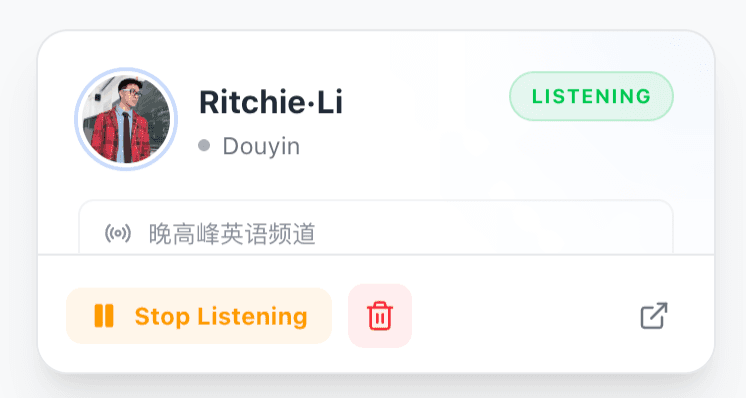
Step 3: Wait for AutoRecordLive to monitor the stream
The system watches for the channel to go live and automatically starts recording in the cloud.
Step 4: Review and export the recording after the live ends
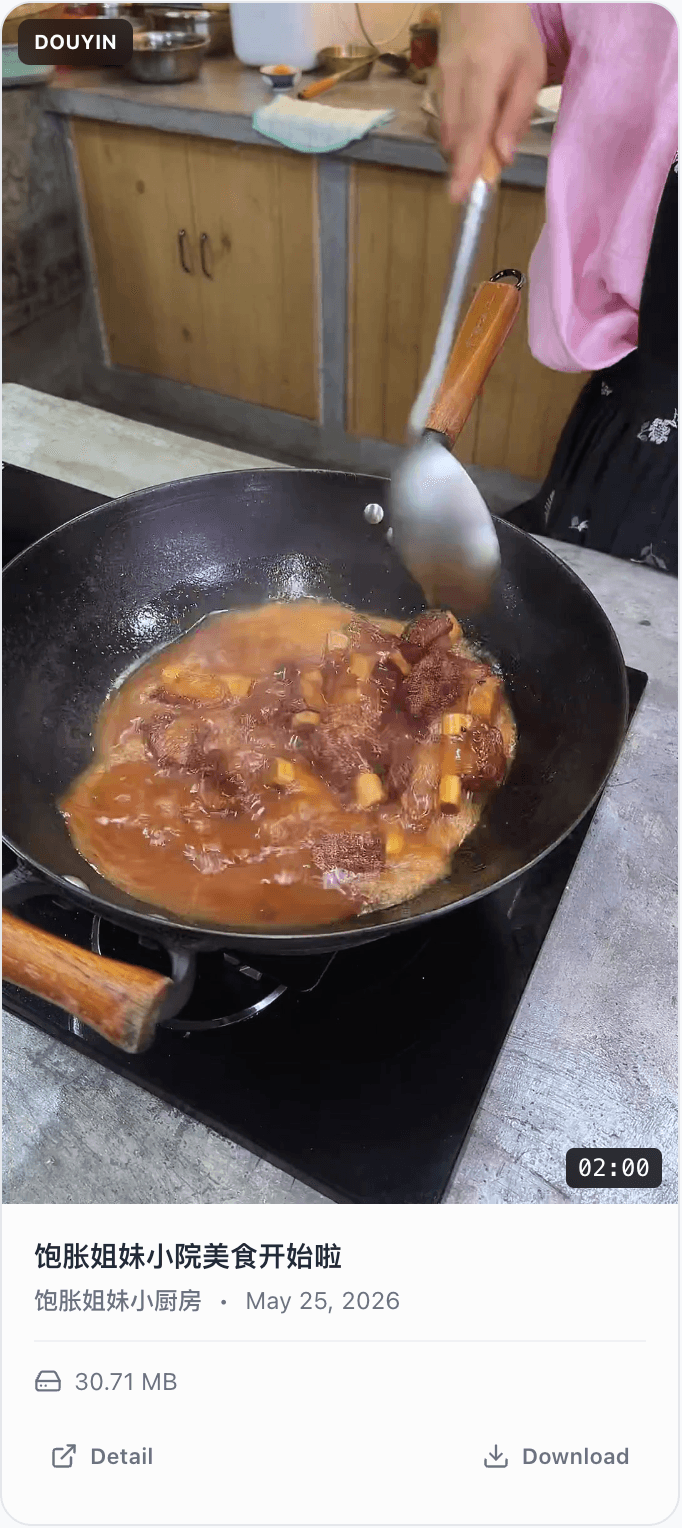
When processing is complete, the recording is saved in your library. You can watch the recording online, use it for AI summaries, or export it as an MP4 file when your plan and content rights allow it.
Can You Record TikTok Live When You Are Offline?
Yes. AutoRecordLive records TikTok Live sessions in the cloud, so your phone or computer does not need to stay online. Once the live room is added, the system can monitor the stream and start recording when it goes live.
For a more detailed workflow, read our guide on how to record TikTok Live when you’re offline.Can You Download TikTok Live Recordings as MP4?
After the live stream ends, AutoRecordLive saves the recording in your dashboard. When processing is complete and your plan and content rights allow it, you can review the recording online or export it as an MP4 file.
Need the download-focused workflow? Read our guide on how to save TikTok Live to MP4.TikTok Live Recorder vs Screen Recorder
| Feature | Screen Recorder | AutoRecordLive |
|---|---|---|
| Automatic recording | No | Yes |
| Works when offline | No | Yes |
| Cloud recording | No | Yes |
| Dashboard export for recordings | Manual export | Yes |
| Long live stream support | Limited by device | Better for long streams |
| Miss unexpected live streams | Easy to miss | Automatically monitored |
| Best for long live sessions | Risk of failure | Designed for long streams |
| Device must stay online | Yes | No |
Can I record TikTok Live automatically?
Yes. With AutoRecordLive, you can add a TikTok live room and let the system monitor and record the stream automatically.
Do I need to keep my phone online?
No. AutoRecordLive records in the cloud, so your device does not need to stay online.
Can I download the recording as MP4?
Yes. After the recording is processed, you can review it in your dashboard and export it as an MP4 file when your plan and content rights allow it.
Can I record Douyin Live too?
Yes. AutoRecordLive also supports Douyin live recording.
Is this better than screen recording?
For long or scheduled live streams, cloud recording is usually more reliable because it does not depend on your local device.
Is it legal to record TikTok Live?
Always make sure you have the right to record the live stream and follow local laws, TikTok rules, and platform terms.
Start Recording TikTok Live Automatically
Add a TikTok live room once. AutoRecordLive will monitor the stream, record it in the cloud, and save the recording for you.