Coach Felicia: AI Image Creation, Prompt Fixes, and Motivation
Archived by AutoRecordLive for review and AI content summaries
Playback Not Ready
The player could not start this media source yet.
Preview Only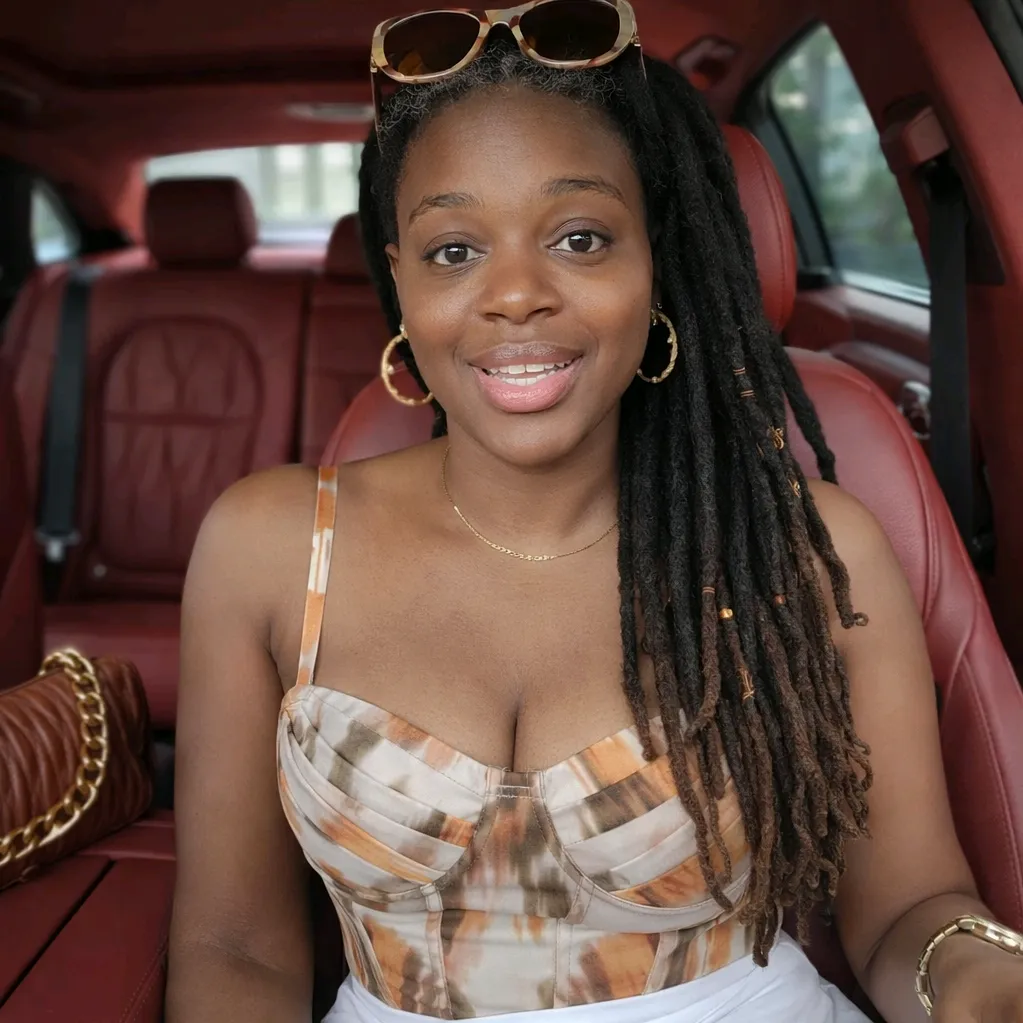
Recording Details
Live Stream Summary
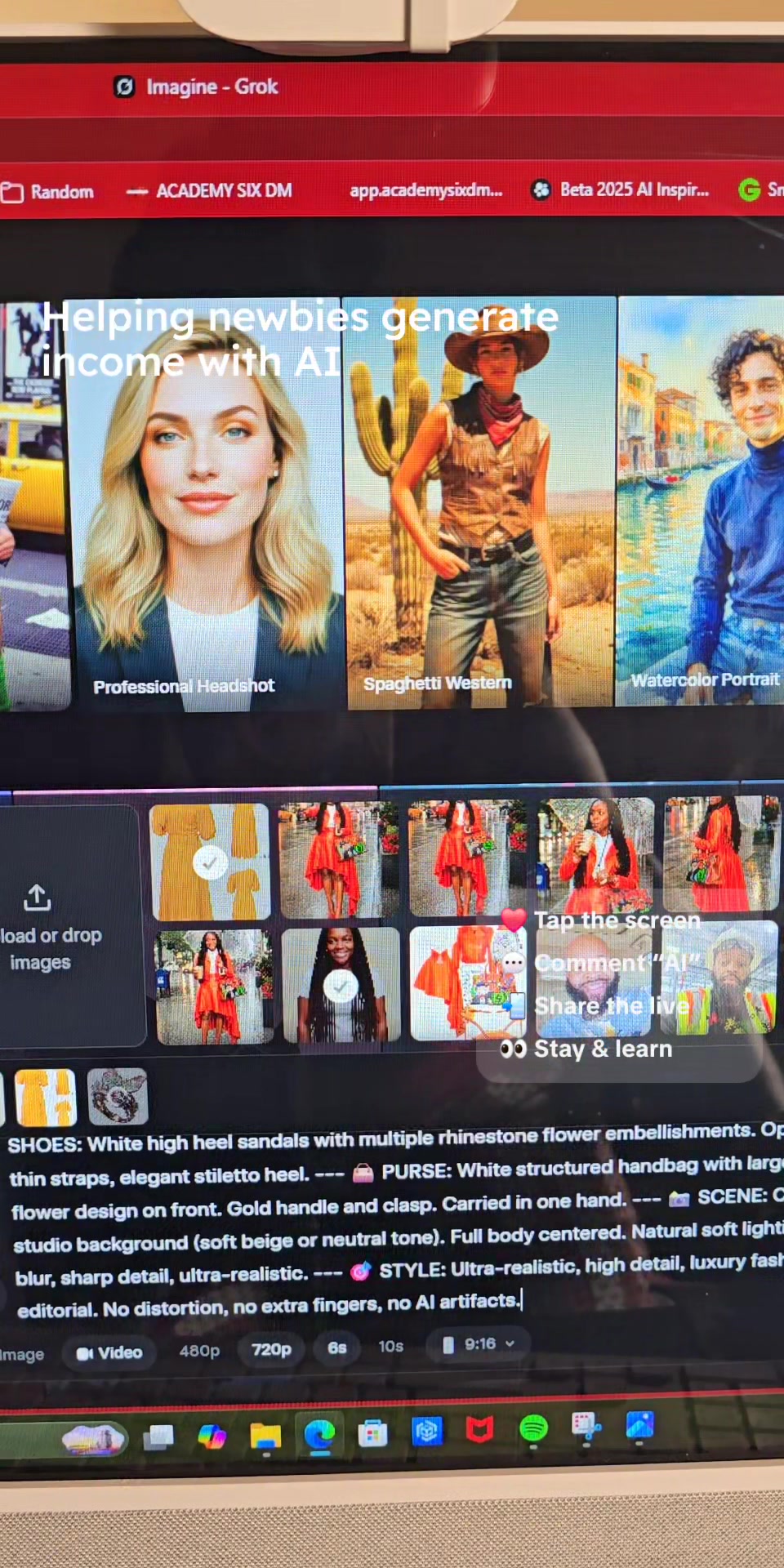
In this TikTok live replay, Coach Felicia works through the process of creating AI image assets for a character named Sage. She gathers outfit pieces, accessories, a car, and a street scene, then tries to generate a realistic image of Sage in a red Mercedes driving correctly between road lines. Along the way, she troubleshoots AI prompt failures involving composition, driving direction, windshield perspective, and facial consistency. She also shares a personal story about nearly letting self-doubt stop her from teaching, encouraging viewers to keep going because their actions may help or change someone’s life.
Session Outline
Highlights
Questions Answered in This Stream
What is this livestream replay about?
The replay focuses on creating AI image assets for a character named Sage, including outfit pieces, accessories, a red Mercedes, and a street scene, while also featuring a motivational story from Coach Felicia.
Which AI tools are mentioned in the livestream?
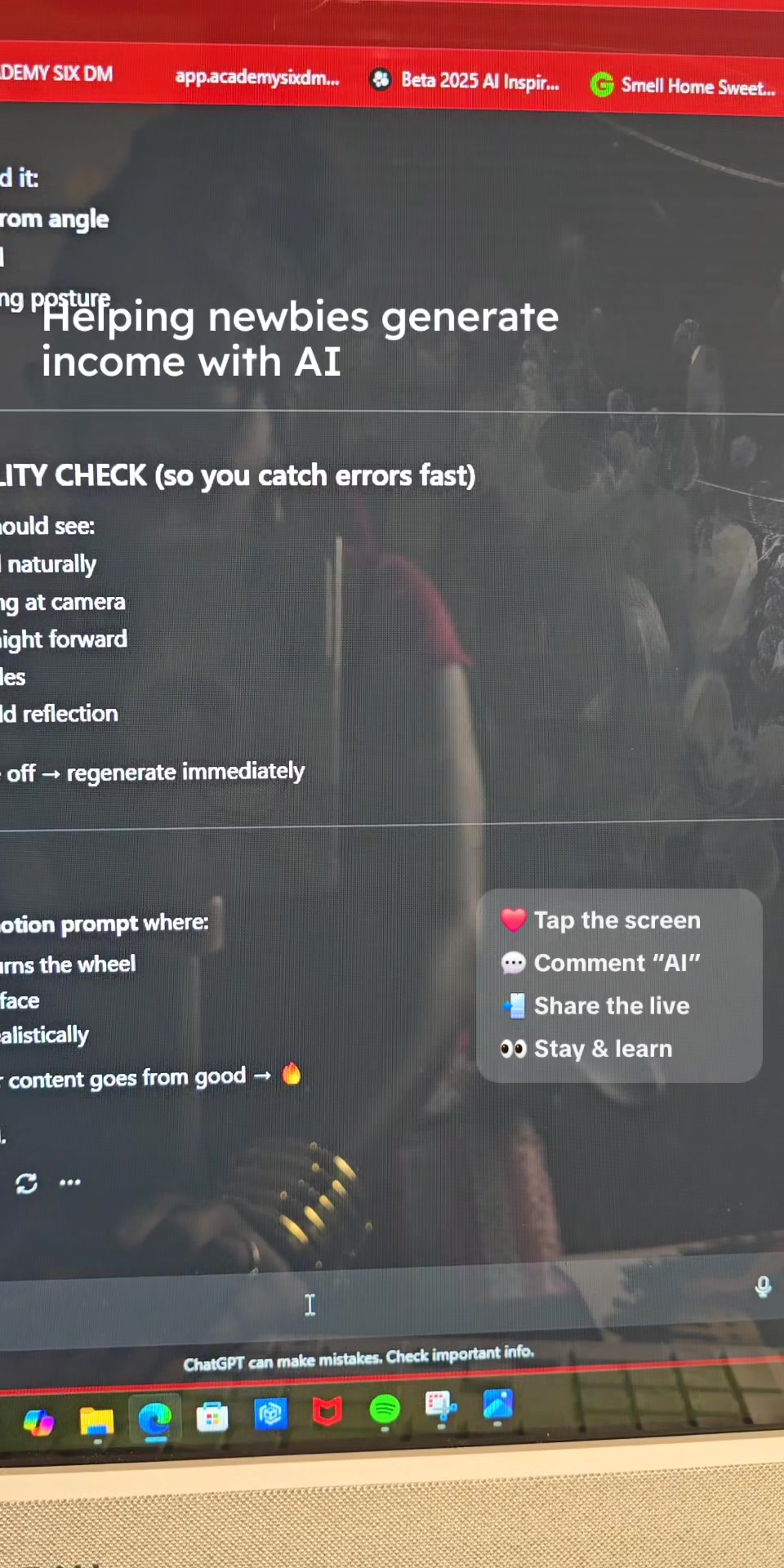
Coach Felicia mentions ChatGPT, Gemini, Grok, and Google AI Studio. She works through issues in ChatGPT and then prepares to try the prompt in Grok.
What problems did she run into while generating the AI image?
She ran into image limits, a broken photo, incorrect car placement, missing responses, unnatural driving perspective, and the AI changing Sage’s face.
What motivational message does Coach Felicia share?
She shares that she nearly let fear and self-doubt stop her from teaching, but continued anyway. She encourages viewers to keep going because they may help or change someone’s life.
Who would benefit from watching this replay?
This replay is useful for viewers interested in AI image creation, prompt troubleshooting, AI video preparation, and learning how creators discuss AI monetization.
AutoRecordLive
Record your own or authorized TikTok live streams for archive, review, and AI content summaries.