Carla Live Replay: AI Image Prompting to Etsy Digital Product Design
Archived by AutoRecordLive for review and AI content summaries
Playback Not Ready
The player could not start this media source yet.
Preview Only
Recording Details
Live Stream Summary
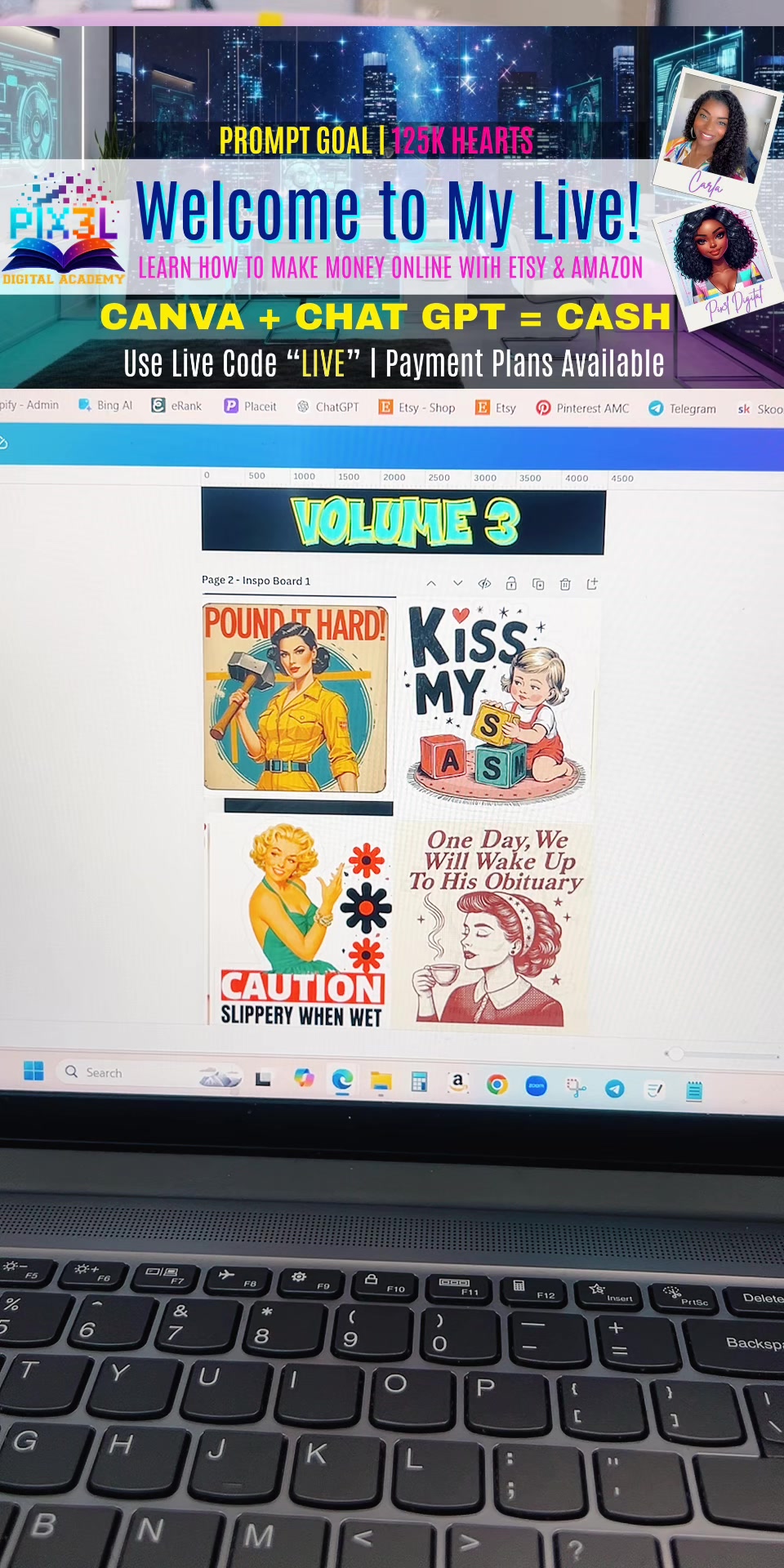
In this TikTok live replay, Carla starts with an Etsy trend discussion and viewer voting before building a vintage-style graphic design. She explains why she writes her own AI prompts, adjusts a prompt for an illustrated girl design, downloads a favorite result, and edits it in Canva with background removal, text, lips, stars, and sparkle accents. She then places the finished design on tank top and sweatshirt mockups while discussing digital products, Pixel Prompts, Father’s Day custom wall art ideas, transparent background downloads, and using GPT to help write listing copy.
Session Outline
Highlights
Questions Answered in This Stream
What is this live replay about?
The replay follows Carla creating a vintage-style graphic from an Etsy trend idea, using AI image prompts, Canva editing, mockups, and Etsy digital product planning.
Why does Carla write her own AI prompts?
She says she gets better designs when she describes what she wants to see herself instead of relying only on prewritten prompts.
What design tools or steps are shown?
The summarized transcript includes AI image generation, prompt editing, Canva background removal, adding graphic accents, and placing the final design on apparel mockups.
Does Carla discuss Etsy listings?
Yes. She talks about creating a digital product for an Etsy shop, preparing mockups, downloading transparent artwork, and using GPT to help generate listing copy.
AutoRecordLive
Record your own or authorized TikTok live streams for archive, review, and AI content summaries.