Beginner AI Video Creation: Prompts, Images, Video and Publishing
Archived by AutoRecordLive for review and AI content summaries
Playback Not Ready
The player could not start this media source yet.
Preview Only
Recording Details
Live Stream Summary
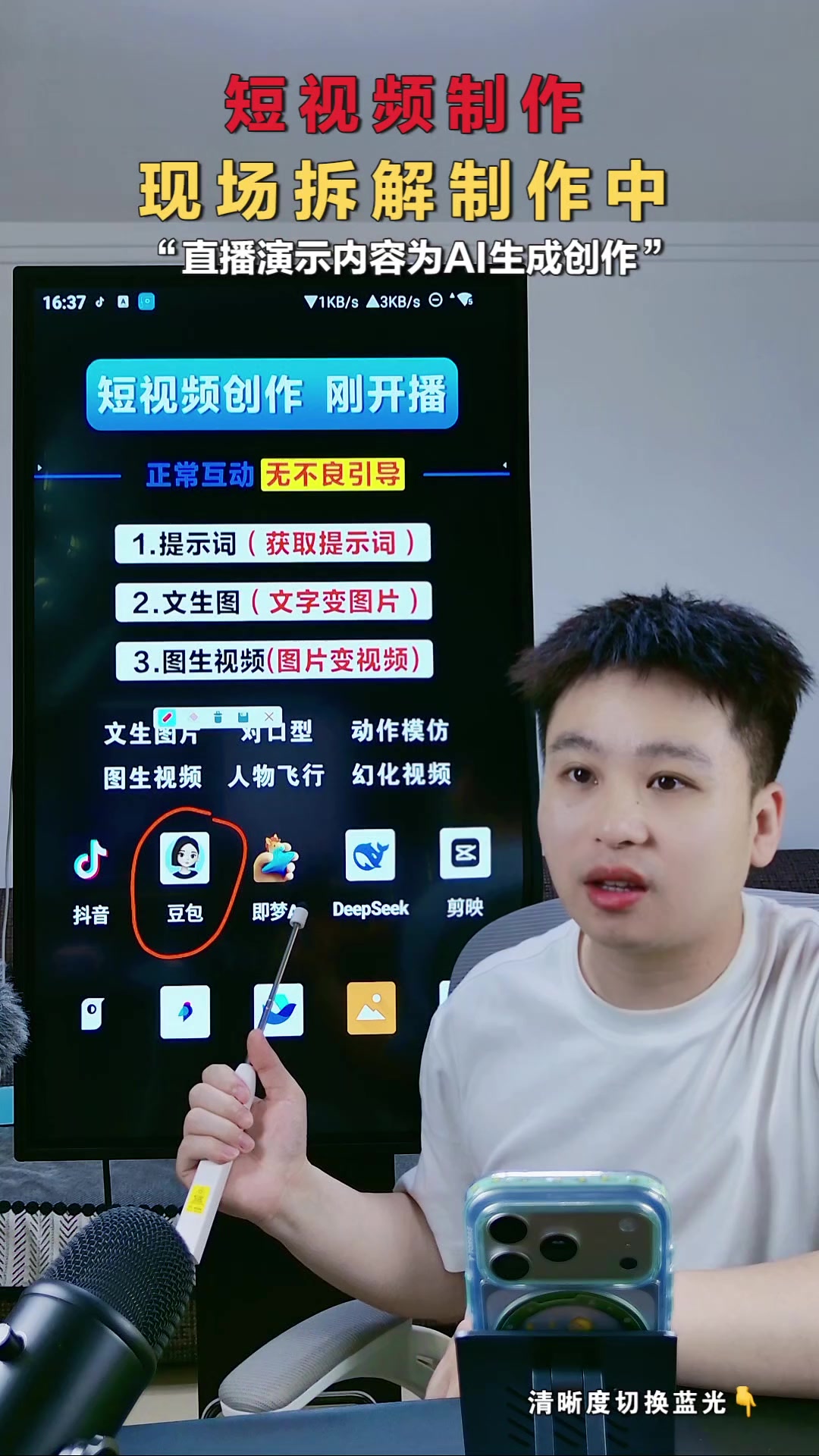
This recorded livestream teaches a beginner-friendly AI short-video workflow using Doubao, Jimeng/Jimeng-like tools, DeepSeek and CapCut. The streamer begins with examples such as motion imitation, talking pets, lip-sync videos, digital humans and rural healing scenes. She then demonstrates how to search Douyin for high-performing references, screenshot clean visuals, ask Doubao to reverse-engineer detailed Chinese prompts, generate 9:16 images, replace characters with reference photos, and remove watermarks with Doubao editing. The session continues with Jimeng image-to-video generation, watermark-free saving, CapCut music and sound effects, export settings, AI content disclosure, and later covers AI avatars for on-camera talking videos and business or product scenes.
Session Outline
Highlights
Questions Answered in This Stream
Which tools are covered in this livestream?
The livestream covers Doubao for copywriting, prompt reverse-engineering and image generation; DeepSeek for writing and questioning ideas; Jimeng for image-to-video, action imitation and digital humans; and CapCut for editing, music, subtitles, effects and export.
How does the streamer create prompts from a reference image?
She searches Douyin for relevant successful examples, takes a clean screenshot without distracting interface elements, uploads it to Doubao, and asks for a detailed, precise Chinese description prompt.
What should beginners know about Jimeng image-to-video generation?
The streamer shows how to upload a still image in the video generation section, choose a model, ratio and 5-second or 10-second duration. She notes that versions 2.0 and 1.5 support audio with visuals, while 1.0 has no sound and can be dubbed later.
What is required before publishing AI-generated videos?
The streamer says AI-generated content should be marked through the platform's self-declaration feature to protect account health, and topics should match the video's niche, usually with two or three relevant high-traffic hashtags.
AutoRecordLive
Record your own or authorized Douyin live streams for archive, review, and AI content summaries.