AI Comic Drama Production: Storyboards, Voiceover and Douyin Release Strategy
Archived by AutoRecordLive for review and AI content summaries
Playback Not Ready
The player could not start this media source yet.
Preview Only
Recording Details
Live Stream Summary
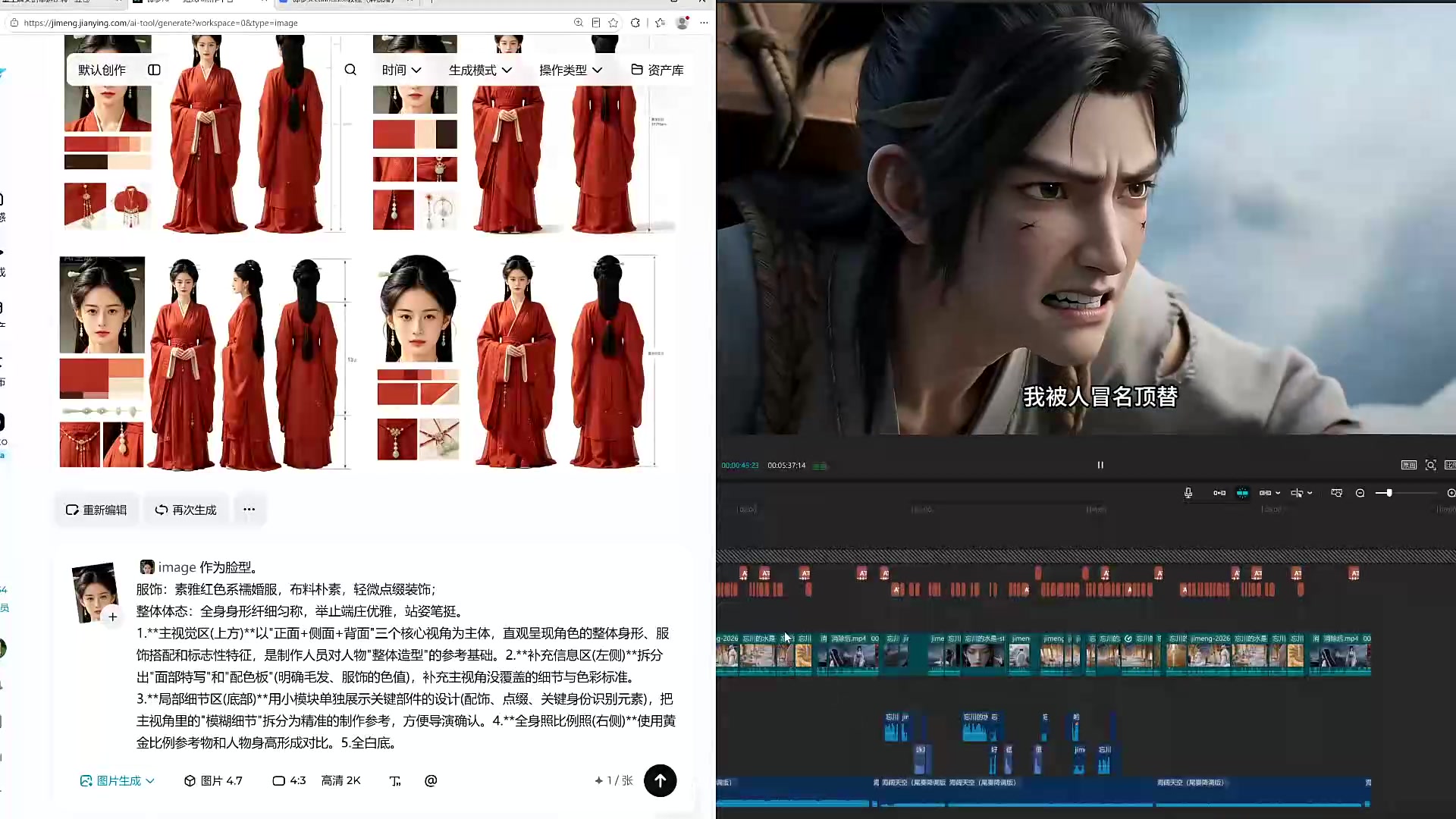
This livestream explains an AI-assisted comic drama workflow, from using Doubao to organize a novel into script elements, scenes, characters and storyboards, to generating visuals and video with tools such as Jimeng. The streamer stresses that scene prompts should clearly specify 2D or 3D style, character references should be high-resolution, and storyboard prompts should not conflict with uploaded reference images. A major section focuses on audio: narration, dialogue and silent shots are treated differently, with OS inner monologue recommended as separately generated audio that guides visual timing. The final section covers Douyin publishing, advising creators to test a drama cheaply by making about the first five minutes as three episodes before producing the full series.
Session Outline
Highlights
Questions Answered in This Stream
Why does the workflow start with scenes and characters?
The streamer explains that stable scenes and high-resolution character references make later storyboard and video generation more consistent.
Should every generated video clip be 15 seconds long?
No. The streamer says clips should be split by story beats and scene changes rather than by the maximum duration of the tool.
Should narration be generated with synchronized video?
The streamer advises against doing this for background narration because it costs more, can waste generations, and may create unwanted lip movement.
How should creators test a comic drama on Douyin?
The suggested method is to make about the first five minutes, split it into three episodes, publish them, and continue production only if traffic appears.
AutoRecordLive
Record your own or authorized Douyin live streams for archive, review, and AI content summaries.